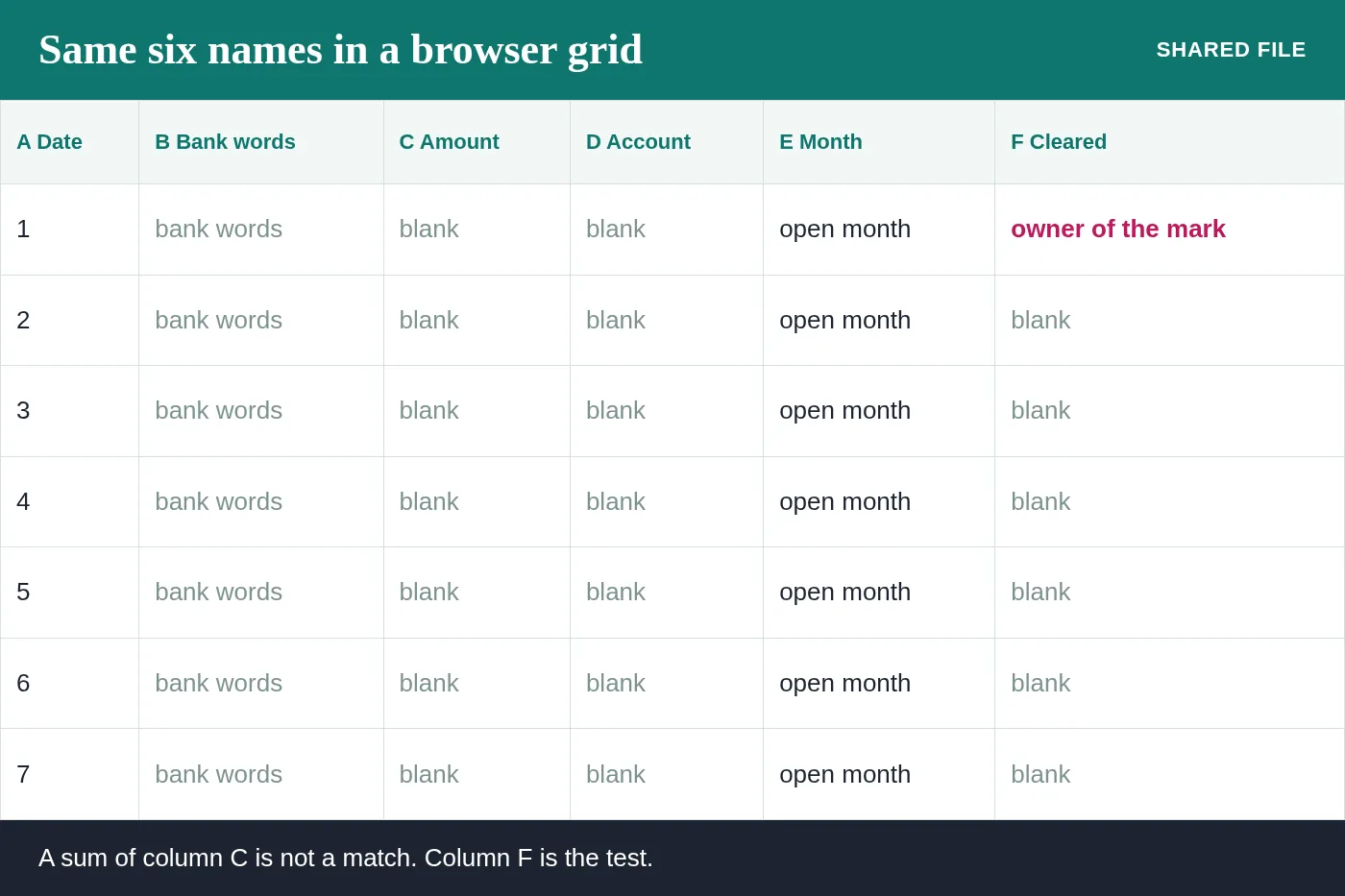
Profit Loss SpreadsheetA Sheet can hold the same six names
The app can change. The columns that match a statement do not.
What actually moves when you change apps
A workbook on a laptop and a grid in a browser can hold the same date, the same bank words, the same signed amount, the same account, the same month, and the same cleared mark. Sharing a link lets two people type. It does not, by itself, prove the month matches the statement.
People switch apps because the file has become hard to open, or because a partner wants to see it without installing a program. That is a fair reason. The risk is treating the new grid as a fresh start and leaving the cleared mark behind because the template in the new app did not have a column for it.
Two people in one grid
A shared sheet is wonderful until two people type the same deposit. One of you calls it sales. The other calls it a transfer from the savings account. Both lines stay, and the profit cell rises for a reason nobody remembers in June.
The cure is dull. One person owns the cleared mark for the month. The other can add lines, and the owner of the mark says whether they cleared. We can be that owner for the months you send, or we can show your bookkeeper the mark and step back. Either way the statement is the referee, not the louder typist.
Formulas that look like a match
A sheet can sum a column in a second. A sum is not a reconciliation. The equality we want is specific. Prior balance, plus cleared lines, equals the ending balance. A formula that only adds the amount column will look confident while including lines the bank has not cleared, and while excluding a bank fee nobody typed.
Bank fees are the quiet ones. They are small, they are real, and they are on the statement whether or not someone enjoyed typing them. A sheet that never looks at the statement will miss them every month, and the miss will be a number you cannot explain when the return is prepared.
Keep the history in the same file
Twelve tabs, or twelve blocks on one tab, can live in the sheet you already share. Each month still has to match alone. Do not paste a year into a new sheet and delete the months, because the deleted months were the only explanation of the old rows.
If the sheet you have is the one the company actually uses, send that one. We will not ask you to rebuild it in another app for the sake of a familiar screen. The names of the columns matter. The logo on the toolbar does not.
Tell us which app the file lives in
You will be talking to the Steven Palmieri practice.